
Authorizing the application by payment
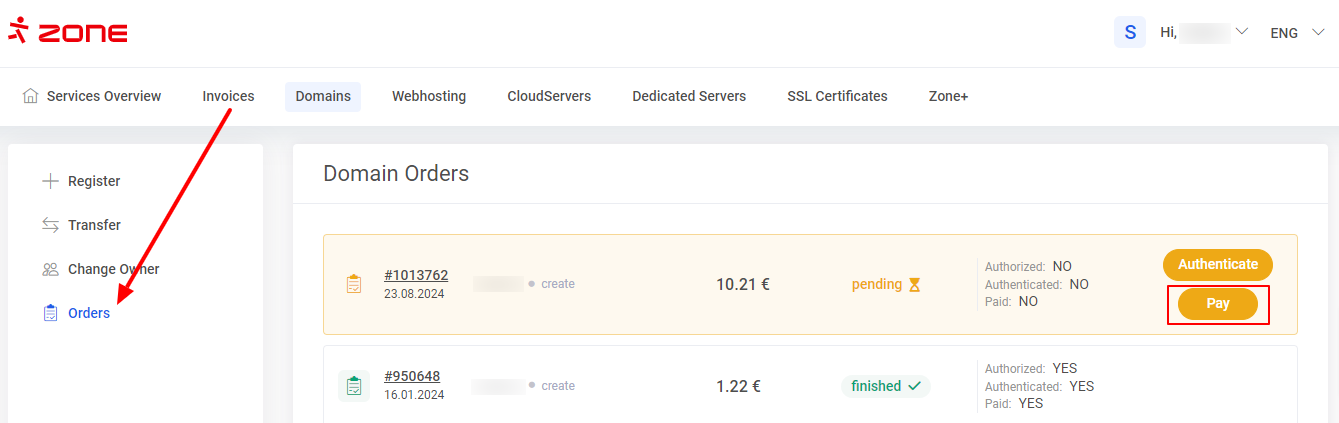
In My Zone, go to domain management, select Orders and click Pay next to the relevant order.
Select your preferred payment method. When paying via a bank link, select your bank and you will be automatically redirected to your online bank.
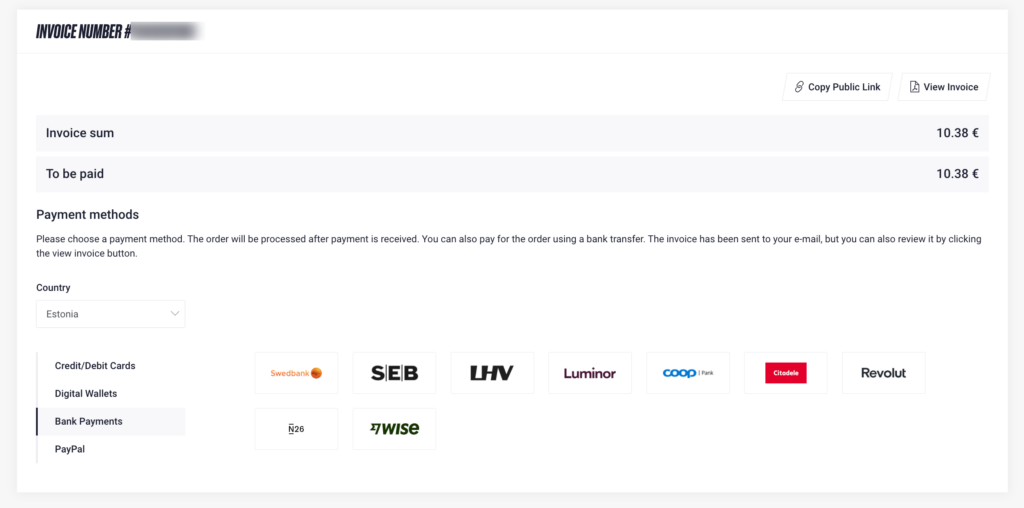
In all cases, the payment must be made from the bank account of the registrant or the authorized administrative contact. When paying by a separate bank transfer, include the invoice number or the domain name together with the reference number in the payment details.
By selecting View invoice, you can download the invoice and pay it by a separate bank transfer. If you do not wish to pay the invoice yourself, you can copy the payment link and forward it to the person who will make the payment.
Authorizing the application using eeID
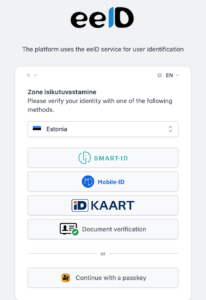
If the domain application was not authorized when the order was submitted or could not be authorized by payment, the domain order must be authenticated using the eeID identification method.
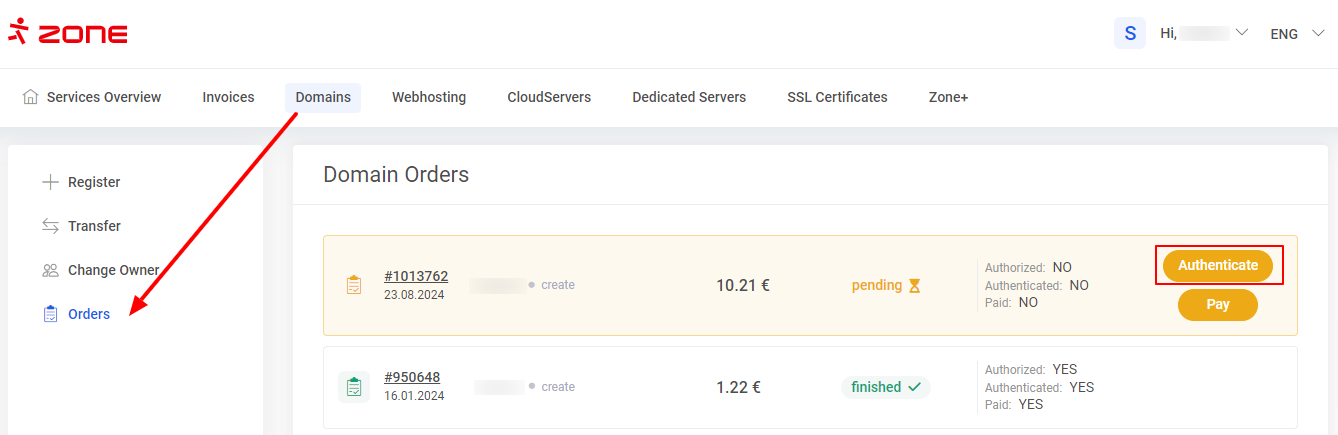
In My Zone, go to domain management, select Orders and click Authenticate next to the relevant order.
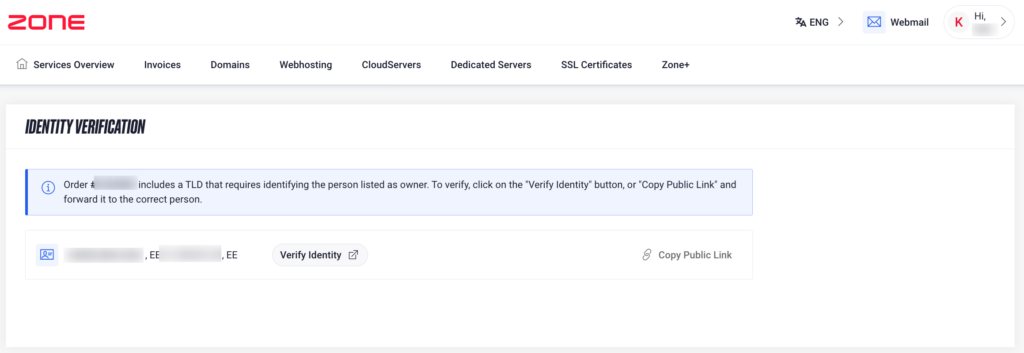
For a private individual, the eeID link is created in the name of the registrant. For a company, the link is always created in the name of the administrative contact. If the administrative contact is not a member of the company’s management board, you can contact our customer support to replace the administrative contact specified in the order with a member of the management board. A new link can then be issued.
Alternatively, a member of the company’s management board can issue a power of attorney authorizing the administrative contact to represent the registrant.
If the person completing the identity verification already has a power of attorney confirming their right to represent the registrant, please send it to info@zone.ee. Include the domain name and specify which order the power of attorney relates to.
If you do not yet have a power of attorney, you can use our power of attorney form.