
To transfer an .EE domain to Zone, you need the domain authorisation code, also known as the EPP code. You can obtain it from your current registrar or request it through the .EE domain registrant portal.
Obtaining the authorisation code
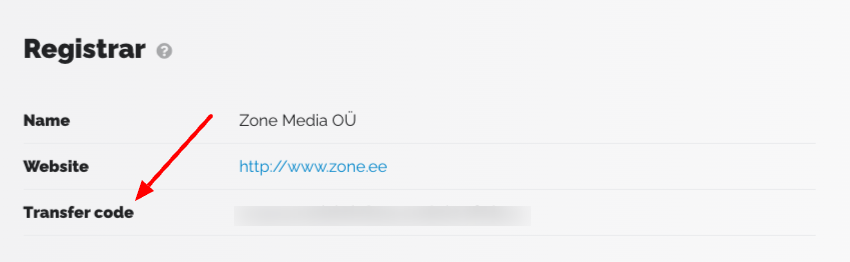
Ask your current registrar for the authorisation code. If the registrar does not provide the code within a reasonable time, you can request it yourself through the .EE domain registrant portal.
Log in to the portal and select the relevant domain.
Submitting a transfer application
Once you have the authorisation code, submit a transfer application on the Zone website. Enter the domain name and authorisation code, then follow the steps to complete your order.
If the transfer also involves a change of ownership, see our guide to changing the owner of an .EE domain.